Solid
BooleanDifferenceMulti
 BooleanDifferenceMulti : Sequentially calculates Boolean Difference on multiple objects, leaving failed objects.
- Run BooleanDifferenceMulti.
- Select the objects(surfaces/polysurfaces) to be subtracted from.
- Select multiple objects(surfaces/polysurfaces) to subtract.
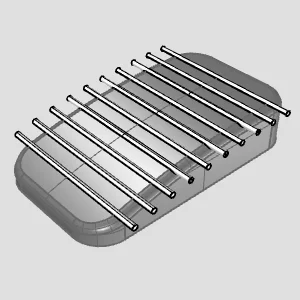
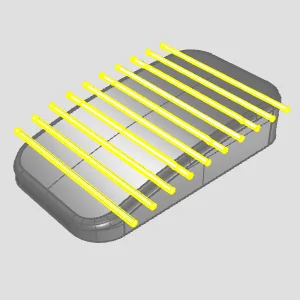
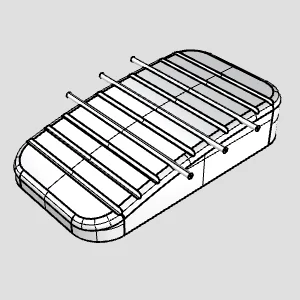
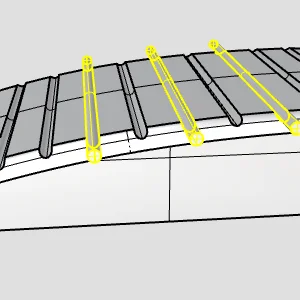
- If the selection includes objects that would cause a Boolean failure, it performs the Boolean operation while excluding only the failing objects.
- This is effective for finding failing objects when there are many objects to Boolean.
 BooleanUnionMulti – Performs Boolean Union sequentially on multiple objects, leaving failed objects.
BooleanUnionSubSrfs
 BooleanUnionSubSrfs : Performs a Boolean union based on polysurface sub-surfaces.
- Run BooleanUnionSubSrfs.
- Select specific surfaces of the object to be unioned(multiple selections allowed).
- Select the objects to union(multiple selections allowed).
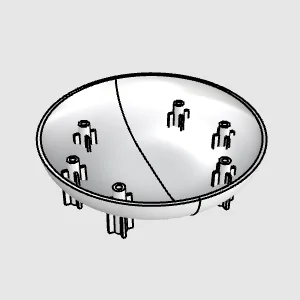
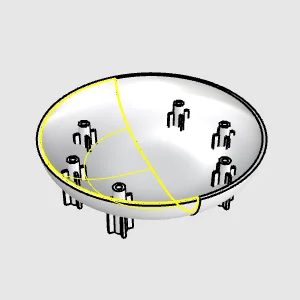
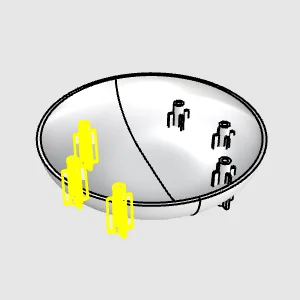
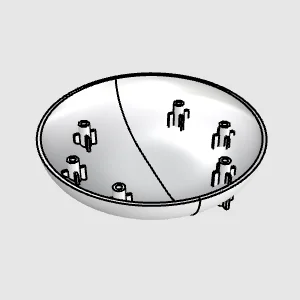
- This is convenient for performing union calculations on target surfaces without exploding the object.
 BooleanDifferenceMulti – Performs Boolean Difference sequentially on multiple objects, leaving failed objects.
 BooleanUnionMulti – Performs Boolean Union sequentially on multiple objects, leaving failed objects.
BooleanUnionMulti
 BooleanUnionMulti : Performs Boolean Union sequentially on multiple objects, leaving failed objects.
- Run BooleanUnionMulti.
- Select the objects(surfaces/polysurfaces) to be unioned.
- Select multiple objects(surfaces/polysurfaces) to union.
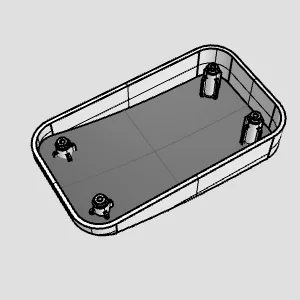
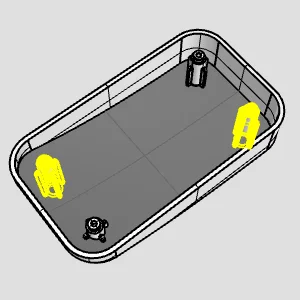
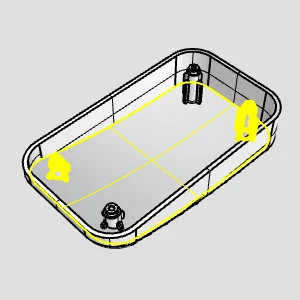
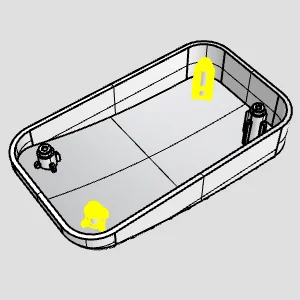
- If the selection includes objects that would cause a Boolean failure, it performs the Boolean operation while excluding only the failing objects.
- This is effective for finding failing objects when there are many objects to Boolean.
 BooleanDifferenceMulti – Performs Boolean Difference sequentially on multiple objects, leaving failed objects.
ExtendExtrusions
 ExtendExtrusions : Extends extrusion objects to boundary objects.
- Run ExtendExtrusions.
- Select the objects that will act as boundaries.
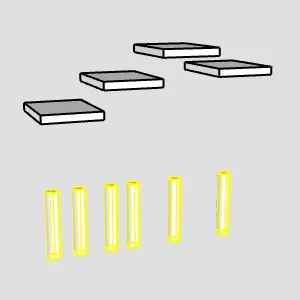
- Select the objects to extend.
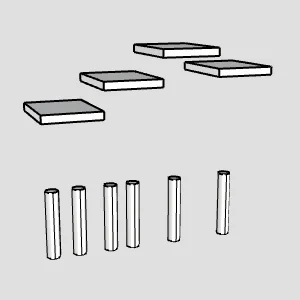
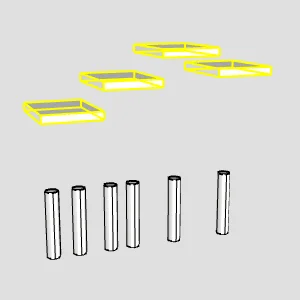
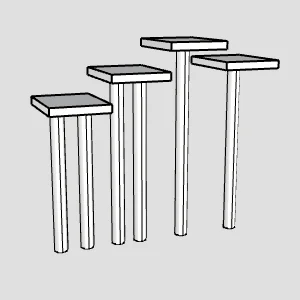
- Boundary objects can only be objects excluding points, curves, and meshes.
- Multiple extendable objects (solids) can be selected.
 ExtendMulti – Extends multiple curves to a selected boundary object.
SolidCutByCrv
 SolidCutByCrv : Cuts a solid with a closed curve.
- Run SolidCutByCrv.
- Select the curve to be the boundary.
- Select the object to cut.


Option
- Direction
- Difference
Deletes the interior of the object based on the curve - Intersection
Deletes the exterior of the object based on the curve - Split
Splits the object based on the curve
- Difference
- The boundary curve must be a closed curve, or if it's an open curve, its two endpoints must cross the object.
- Multiple boundary curves and objects to cut can be selected.
 ExtendMulti – Extends multiple curves to a selected boundary object.