Surface
SphereDeformable
 SphereDeformable : Creates a deformable spherical (revolved) surface.
- Run SphereDeformable.
- Set the U and V degrees.
- Select the center point of the sphere.
- Enter the diameter or set reference points to create the sphere.
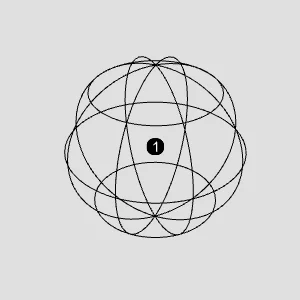
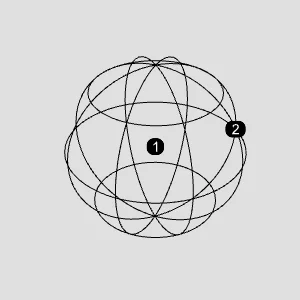
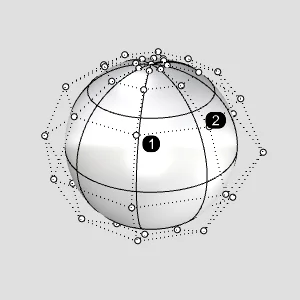
Option
- Main Option
- Sphere control points count
Sets and resets the UV degrees of the sphere
- Sphere control points count
- Output
- Center of sphere
Sets the position point of the sphere
- Center of sphere
- The minimum degree is six.
- When setting reference points, you can use 2Point, 3Point, Tangent, AroundCurve, 4Point, FitPoints options.
- When rebuilding a sphere under identical conditions, asymmetric points are aligned symmetrically.
 UntrimAllP – Applies the UntrimAll command to multiple objects.
 ExtendSrf4Sides - Extends a surface in four directions from its edges.
UntrimAllP
 UntrimAllP : Applies the UntrimAll command to multiple objects.
- Run UntrimAllP.
- Select multiple target surfaces.
- Set whether to delete trim curves and complete.
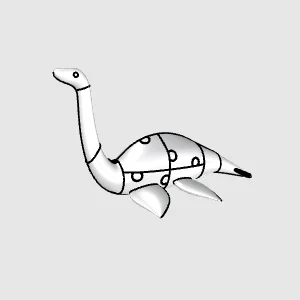
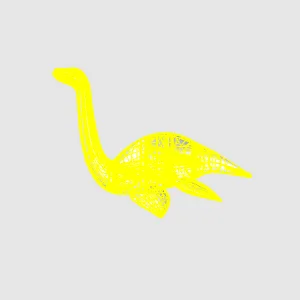
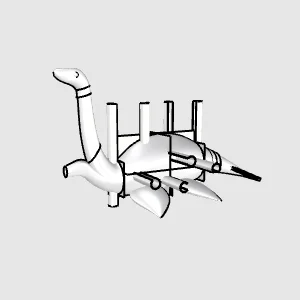
- This can be used to revert the entire object to its original surface state for re-editing.
 SphereDeformable – Creates a deformable spherical (revolved) surface.
 ExtendSrf4Sides - Extends a surface in four directions from its edges.
ExtendSrf4Sides
 ExtendSrf4Sides : Extends a surface in four directions from its edges.
- Run ExtendSrf4Sides.
- Select the surface to extend
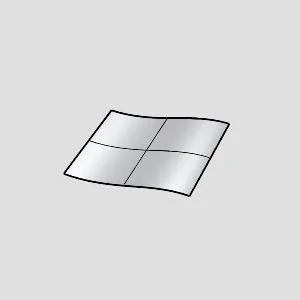
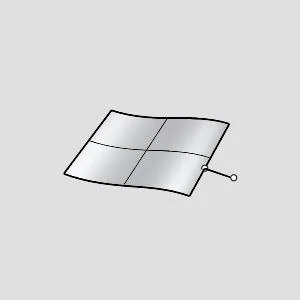
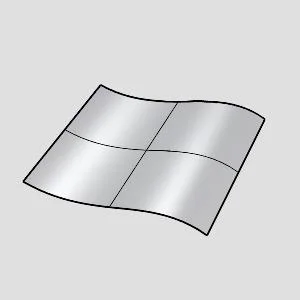
Option
- Smooth
- Yes
Extends while maintaining curvature continuity. - No
Extends in a straight direction.
- Yes
 SphereDeformable – Creates a deformable spherical(revolved) surface.
 UntrimAllP – Applies the UntrimAll command to multiple objects.
FairSrfPts
 FairSrfPts : Fairs surfaces while keeping their control point count, degree, and knots intact. It removes unnecessary ripples while maintaining up to G3 continuity with adjacent surfaces across every edge. Rhino's native Smooth command only fixes boundary points, which breaks G1 (tangency) and G2 (curvature) continuity with neighbors.
- Select the surface (single surface) to fair. Trimmed surfaces are supported.
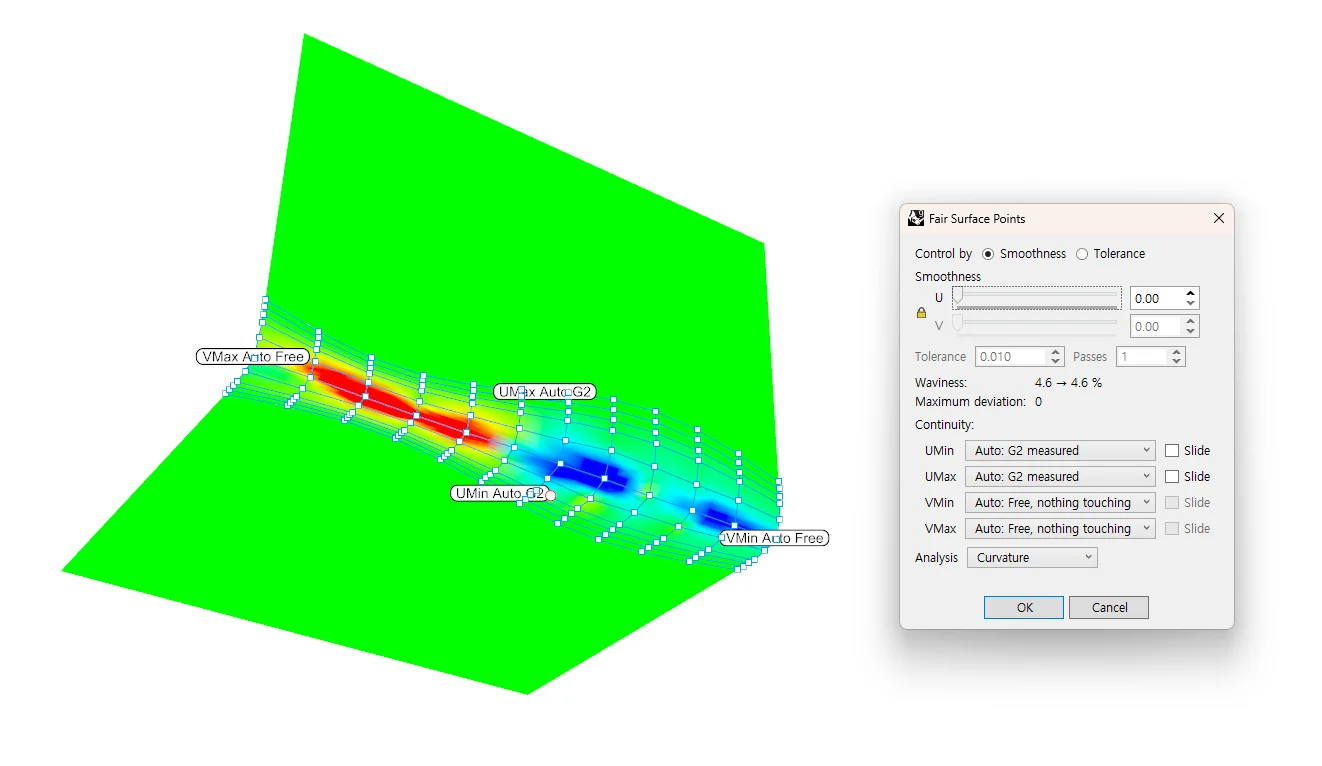
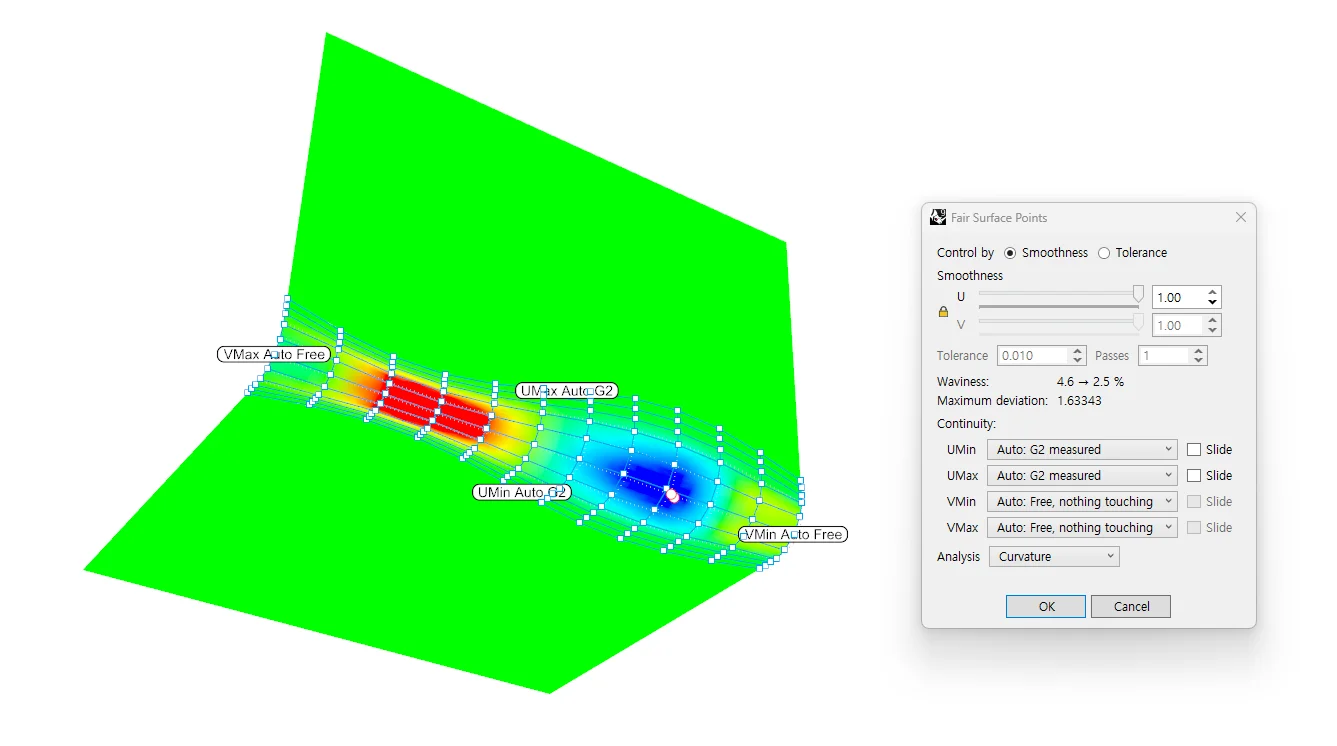
- The Surface Fair dialog opens. While dragging the Smoothness slider, the display updates in wireframe; releasing the mouse applies the result to the surface immediately.
- Viewport display modes and Rhino analysis modes are applied directly to the result and adjacent surfaces.
- Click OK to apply or Cancel to revert to the original state.
Option
- Control: Selects Smoothness or Tolerance. (Detailed meanings are identical to FairCrvPts.)
- Smoothness U · V: Sets a value ranging from 0 to 1. Locking the left lock icon moves the U and V directions together. 0 keeps the original shape, while 1 achieves maximum smoothness within continuity constraints.
- Tolerance · Passes: Active when Control is set to Tolerance.
- Waviness · Maximum deviation: Represents the waviness percentage (%) before and after fairing, and the maximum distance between the original surface and the result.
- Continuity: UMin · UMax · VMin · VMax
- Auto: Maintains the currently measured continuity (G0-G3) with the surface adjacent to that edge. If nothing touches, it defaults to Free. Measured values are shown in the tooltip.
- Free · Position · Tangency · Curvature · G3: Manually specifies the continuity level.
- Slide: Moves the edge control point row along the continuity-maintaining path to fair edge control point spacing. (Works only on edges where both adjacent edges are Free; otherwise falls back to Hold mode.)
- Analysis: Off · Zebra · Curvature · Environment Map. Uses Rhino's analysis modes to review the surface and its adjacent surfaces in real time using current Rhino settings.
- Low-degree single-span patches with all four edges bound to high continuity have almost no movable interior points (e.g., a 7x7 size with four G1 edges leaves only a 3x3 interior). This tool is most effective for surfaces with ample interior points (multi-spans, fit results, high-degree Bezier surfaces, etc.).
- If edges are Free, the boundary shape can also move significantly. To strictly preserve the original shape, set the control method to Tolerance.
- For trimmed surfaces, the underlying surface is faired and then the trim boundary is re-projected onto it. Surface orientation remains unchanged.
- Rational surfaces with non-uniform weights must run Rebuild first before using.
- Used option values are saved in the [fairsrfpts] section of the byRhinoGadget.ini file.
 FairCrvPts – Fairs curves while keeping their control point count, degree, and knots intact. End continuity can be maintained up to G3.
 MatchSrfG3 - Matches surface edges to another surface edge up to G3 continuity.
MatchSrfG3
 MatchSrfG3 : A command that matches surface edges to another surface edge up to G3 continuity. Rhino's native MatchSrf command stops at G2 curvature.
- Select the untrimmed edge of the surface to modify (an entire single side of a surface).
- Select the edge of the target surface (trimmed edges are supported).
- When the Surface G3 Match dialog opens, configure options and drag viewport handles to modify the shape.
- Click OK to apply.
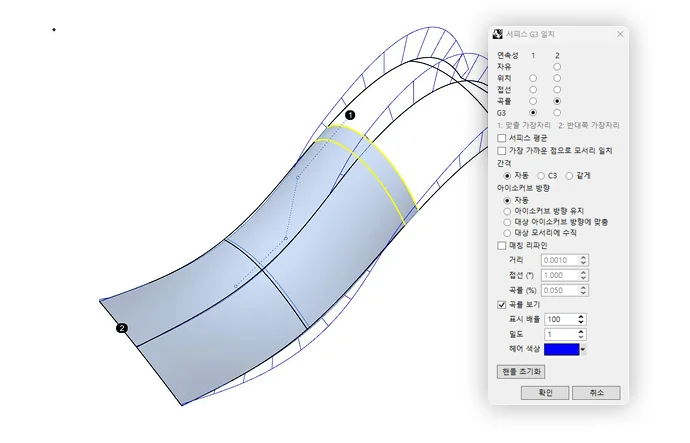
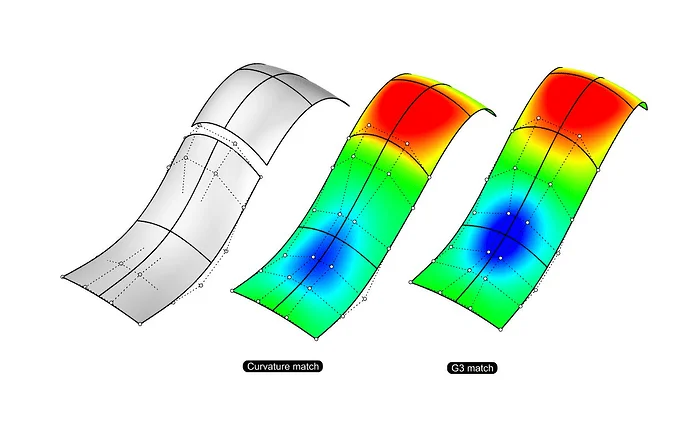
Option
- Continuity
- 1: Match Edge · 2: Opposite Edge: 1 (Match Edge) selects from Position · Tangency · Curvature · G3, while 2 (Opposite Edge) adds Free.
- Average Surfaces: Modifies both surfaces to meet at a middle point.
- Spacing: Selects from Auto · C3 · Equal.
- Detailed meanings are identical to MatchG3, and Equal aligns the edge as evenly as possible according to the set conditions along the edge. The spacing size is controlled using Handle 1.
- Match edges by closest points:
- Pulls control points along the shortest distance direction to the target edge without forcibly stretching the edge.
- While it preserves the original edge shape and spacing, both ends may not reach the end of the target and leave gaps.
- Isocurve Direction:
- Selects from Automatic · Preserve isocurve direction · Match target isocurve direction · Make Perpendicular to target edge (same as Rhino's default MatchSrf).
- Refine match: Refines iteratively until reaching within the Distance, Tangency (°), and Curvature (%) tolerance ranges.
- Show curvature · Reset handles: Identical to the description in MatchG3.
- History: Like Rhino's MatchSrf feature, recording history ensures that when the target surface changes or you move the control points of the matched surface directly, it automatically rematches based on the current arrangement state using the same options and handle settings. (Note: The "Average Surfaces" option, which modifies the target surface as well, does not record history.)
- When recording history, the matched surface is replaced with a new object having the same attributes, so its object ID changes.
- The "Average Surfaces" option works only when the target surface is also an untrimmed single surface's entire edge.
- If the degree in the direction across the edge is 3, the edge matches with G3 continuity while the internal knots remain C2 continuity, and a related message is displayed on the command line.
 MatchG3 – Matches a curve end to another curve up to G3 continuity.
 FairSrfPts - Fairs surfaces while keeping their control point count, degree, and knots intact. It removes ripples while maintaining up to G3 continuity with adjacent surfaces across every edge.